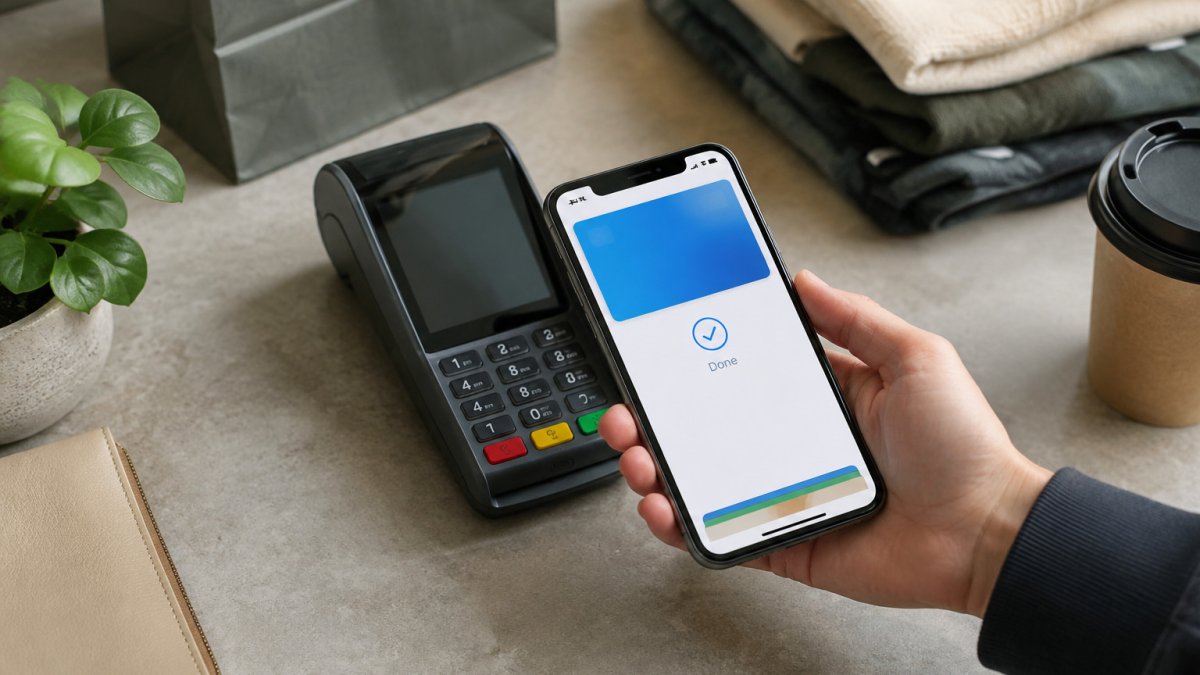
Quick Summary
The best mobile checkout payment methods for ecommerce are digital wallets like Apple Pay, Google Pay and PayPal, plus cards and local options that Slovenian shoppers already trust. Choose by speed, trust, total cost and regional fit, starting with the methods your own mobile buyers actually used in the last 90 days.
- Mobile shoppers abandon carts more often than desktop shoppers, and the payment step is a main cause.
- Apple Pay and Google Pay reduce form-filling because they release card and address details without manual entry.
- Compare net revenue per order after fees and refunds, not the headline transaction fee.
- Test one digital wallet on a share of mobile traffic, then measure completion for four weeks before adding another.
Table of Contents
- Why Payment Choice Decides Mobile Checkout Completion
- How to Compare Payment Methods for Your Store
- Digital Wallets for Online Stores: Apple Pay, Google Pay and PayPal
- One-Click Checkout for Ecommerce: Saved Details and Speed
- Buy Now Pay Later for Ecommerce: When It Pays Off
- Local Payment Methods for Online Stores in Europe
- Total Cost, Failure Recovery and Security on Mobile
- Choosing Your Mobile Payment Stack Next
- Frequently Asked Questions
Why Payment Choice Decides Mobile Checkout Completion
Mobile shoppers abandon carts more often than desktop shoppers, and friction at the mobile checkout payment step is one of the main reasons. For ecommerce teams in Slovenia, the payment methods you offer on a phone often decide whether a sale closes. When the payment step is slow, unfamiliar or cluttered, shoppers leave before they pay.
A mobile checkout payment method is any way a shopper completes a purchase on a phone or tablet. That includes card entry, digital wallets, one-click checkout, buy now pay later and local bank-based options. Each one asks something different of the shopper, whether that is typing a card number, confirming with a fingerprint or choosing an instalment plan.
Treat payment choice as a conversion decision, not a back-office setting. The question is not which methods exist, but which ones your Slovenian customers already trust and use on their phones. The sections below compare nine options against that test, covering cost, speed, trust and regional fit.
How to Compare Payment Methods for Your Store
Start with your own data before comparing vendors. Export your mobile checkout funnel and note where shoppers stop, and whether they abandon at the payment step or earlier. Then check which payment methods your mobile buyers actually used in the last 90 days.
Use these four criteria to score each option:
- Speed: How many taps or fields does a returning shopper need?
- Trust: Does the shopper recognise the brand at the payment step?
- Total cost: What does each transaction cost you after fees and chargebacks?
- Regional fit: Do Slovenian shoppers use this method?
Watch out: A method that converts well on a phone can still cost more per order than a cheaper one once you add fees and refunds. Compare net revenue per order, not the headline fee.
Digital Wallets for Online Stores: Apple Pay, Google Pay and PayPal
Digital wallets let shoppers pay with details already stored on their device or account. Apple Pay uses Face ID or Touch ID, Google Pay works across Android and Chrome, and PayPal relies on a stored account balance or card.
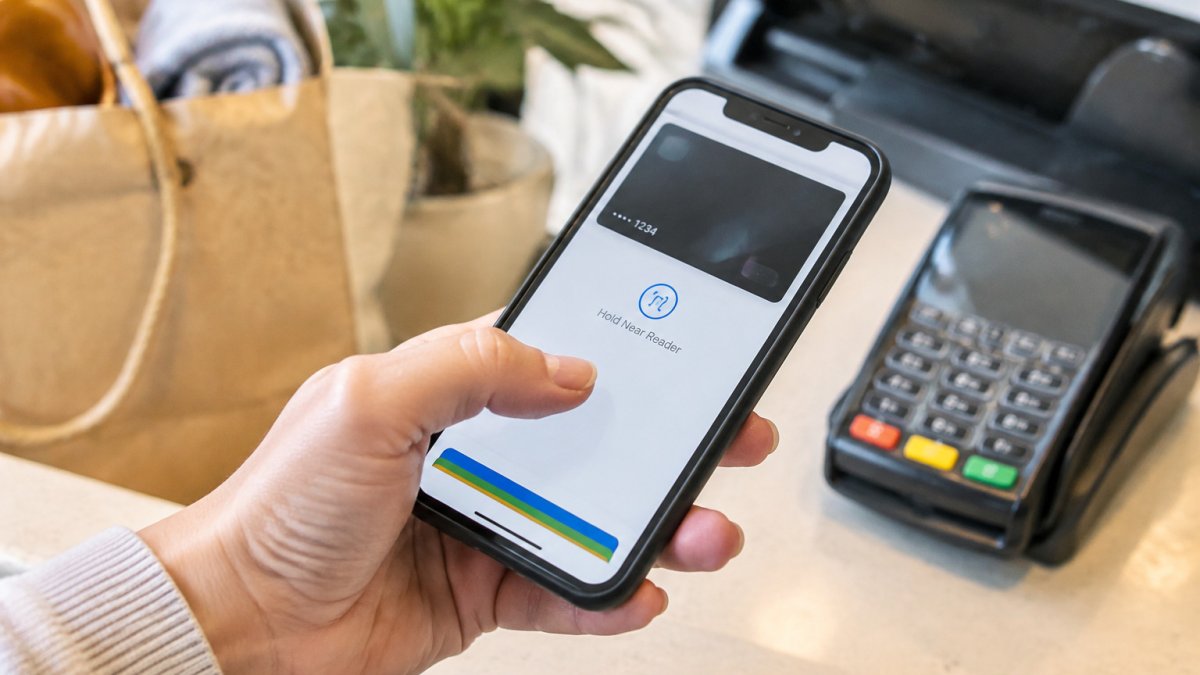
Apple Pay and Google Pay tend to reduce form-filling because they release card and address details without manual entry. PayPal adds familiarity for shoppers who trust the brand, which matters for first-time buyers. Stripe, Adyen and MONEI all support these wallets, so the choice often depends on your processor rather than the wallet itself.
Wallet fees vary by processor. For example, Check current rates on each provider's site before you commit, since pricing changes.
One-Click Checkout for Ecommerce: Saved Details and Speed
One-click checkout stores a shopper's address and payment details so a repeat purchase takes a single confirmation. It works best for repeat buyers and for stores with a regular replenishment category.
The trade-off is account creation. Shoppers who do not want to create an account will skip the option, so keep guest checkout available alongside it. Many merchants offer both, with saved details offered after the first order.
Test one-click against your current guest checkout on a small share of mobile traffic first. Measure completion rate and repeat purchase rate together, because a faster checkout that brings fewer returning buyers may not be a net gain.
Buy Now Pay Later for Ecommerce: When It Pays Off
Buy now pay later (BNPL) splits a purchase into instalments, usually paid over a few weeks. It can lift average order value for higher-priced products, though it adds provider fees and a second relationship to manage.
BNPL makes most sense when your average order is high enough that instalments change the buying decision. For low-value impulse purchases, the extra fee often outweighs the lift. Test it on a product category first, then compare margin per order against the control group.
Terms, eligibility and fees differ by provider. Confirm current conditions with the provider before launch.
Local Payment Methods for Online Stores in Europe
Local payment methods are bank-based or regional options that shoppers in a specific market already use and trust. In Europe these include national card schemes, bank transfer rails, regional wallets and direct debit systems. Matching familiar local options with secure payment methods helps shoppers feel confident completing checkout.
The table below is a starting point for a Slovenian-focused store; confirm current availability, fees and settlement terms with each provider before launch.
| Method | Typical shopper | Mobile fit | Settlement | Watch for |
|---|---|---|---|---|
| Cards (Visa, Mastercard) | Everyone; default fallback | Good with tokenisation and autofill | Usually 1-3 business days | Highest interchange; needs strong customer authentication support |
| Apple Pay / Google Pay | Returning mobile shoppers, younger buyers | Excellent, biometric confirmation, no card entry | Same as underlying card | Device and browser coverage; processor support |
| PayPal | First-time buyers who trust the brand | Good, redirect or in-context | Provider-held balance, then payout | Higher per-transaction fee; account required |
| Bank transfer / open banking | Shoppers without cards, higher-value orders | Variable, redirect flows can break on mobile | Often instant to 1 business day | Confirmation timing; reconciliation effort |
| BNPL providers | Higher-ticket, considered purchases | Good, short application flow | Provider pays merchant, shopper pays later | Provider fees; consumer credit rules |
| Local wallets and national schemes | Shoppers loyal to a domestic brand | Depends on provider SDK quality | Varies by scheme | Integration and maintenance cost |
Use the matrix as a shortlist, not a shopping list. For a Slovenian-focused store, start by checking which methods appear on competitor checkouts and in your own order data. Add a regional method only if your analytics show demand for it. Avoid adding every option, since too many choices can slow the decision and increase the surface area you have to maintain.
Watch out: a local method that looks cheap per transaction can cost more once you add integration work, reconciliation and refund handling. Score each option on net revenue per order, not the headline fee.
For merchants selling across multiple countries, the matrix changes by market. A method that is standard in one country may be unknown in the next, so build the shortlist per market rather than one global stack. MONEI and similar European providers support several regional methods, which can reduce the number of integrations you maintain, but confirm that the methods you need are actually live in each target market.
Total Cost, Failure Recovery and Security on Mobile
Most guides treat cost, failure and security as separate footnotes. On mobile they interact: a cheap method that fails often costs more than an expensive one that completes, and a security step that adds friction can wipe out the conversion gain from a faster wallet. This section breaks the three apart so you can compare them properly.
Total cost of accepting each method
The advertised transaction rate is only one line. Build a full cost per method from these components:
- Transaction fee: the headline rate, often a percentage plus a fixed amount per transaction.
- Chargeback exposure: disputed payments, plus the admin time to respond to them.
- Refund and reversal costs: some providers do not return the fixed fee on refunds.
- Currency conversion: relevant if you price in EUR but settle in another currency, or sell to shoppers outside the euro area.
- Integration and maintenance: engineering time to add, monitor and update the method.
- Reconciliation effort: how much manual work it takes to match payouts to orders.
Compare methods on net revenue per order after these costs, not on the headline fee. Some providers use interchange-plus pricing, which can look more expensive at small volumes but can cost less at scale. Ask each provider for a quote based on your actual order values and refund rate rather than a published rate card.
Payment failure recovery
Failures on mobile are common: network drops, expired cards, authentication timeouts and issuer declines. A good setup handles them without forcing the shopper to restart checkout.
- Retry failed authorisations automatically where the provider supports it, with a short delay rather than an immediate repeat.
- Offer a second method on decline inside the same checkout, so the shopper does not lose the cart.
- Keep the cart and address intact after a failure, and return the shopper to the payment step rather than the start.
- Distinguish soft and hard declines: a soft decline (timeout, temporary issuer issue) may succeed on retry; a hard decline (stolen card, closed account) should route to another method.
- Log failure reasons so you can see whether declines cluster around one method, one device type or one issuer.
Ask your provider how their system handles retries and whether it can route a declined payment to a backup method. This is one of the clearest differences between providers, and it rarely appears on a pricing page.
Security without friction
Security should not add steps the shopper has to think about. Tokenised wallets such as Apple Pay and Google Pay keep card numbers off the merchant's servers, which lowers exposure to fraud and helps with compliance. Strong customer authentication requirements may apply to many card transactions, so confirm your setup supports them without blocking legitimate buyers. The goal is authentication that happens in the background or through a familiar biometric prompt, not an extra password screen on a phone keyboard.
Watch out: a security step that adds one extra screen on mobile can cost more conversions than the fraud it prevents. Measure completion rate before and after any authentication change, not just fraud rate.
Choosing Your Mobile Payment Stack Next
Use the criteria above to shortlist two or three methods rather than building the full list at once. Start with one wallet and one card option, measure mobile completion for four weeks, then add a second method only if the data supports it.
Work through this sequence:
- Pull your mobile checkout drop-off data for the last 90 days.
- Identify the payment step where abandonment is highest.
- Test one digital wallet on a share of mobile traffic.
- Compare net revenue per order against your control group.
- Add one local or BNPL option only if demand shows up in the data.
If you want an outside review of where your mobile checkout loses sales, Conversion Design offers a free audit of your Shopify store. Contact us to request one.
Frequently Asked Questions
What is the best payment method for mobile ecommerce checkout?
There is no single best method for every store, but digital wallets such as Apple Pay and Google Pay usually perform strongly on mobile because they remove manual card entry. Pair them with standard card payments as a fallback so shoppers without a saved wallet can still complete the purchase. Test the mix against your own checkout completion data, since the right order depends on your device split and customer base.
Which digital wallets should an ecommerce store offer?
Start with Apple Pay and Google Pay, since they cover most iOS and Android shoppers and cost nothing extra to enable beyond your payment processor's fees. PayPal adds a trusted brand that many European shoppers already use, although its transaction fees are higher. Check which wallets your processor supports, and confirm that each one appears on the cart and product pages, not only at the final step.
How many payment methods should an online store offer?
Most stores do well with four to six options: two or three cards and wallets, one buy now pay later option if your margins allow it, and one or two local methods for your largest foreign markets. Each added method increases the chance a shopper finds a familiar option, but too many choices can clutter the page. Review which methods actually get used each quarter and remove those with negligible volume.
How can ecommerce businesses make mobile checkout faster?
Cut form fields to the minimum, enable autofill and saved payment details, and offer one-tap wallets above the fold. Guest checkout removes the account creation step that many shoppers abandon. Make the checkout page load quickly on mobile networks and display shipping costs and taxes before the final step, since unexpected fees are a common reason shoppers leave.